

DIY NAS: Texas Linux Fest 2026
After attending Texas Linux Fest for the first time in 2024, I convinced Pat to join me in bringing all of our websites to Texas Linux Fest in 2025, and unsurprisingly we had a great time connecting with the festival’s community!
Last year’s 3D-printed DIY NAS: 2025 Texas Linux Fest Edition seemed like it was a huge hit at the conference. On the drive home, I was already brainstorming how I’d try and top last year’s DIY NAS build while simultaneously battling traffic on I-35.
The Elephant in the Room
Building a NAS from brand-new parts is so much more expensive today than it was a year ago, especially for storage and memory. Prices have climbed quite a bit since then, and there have not been many hopeful signs that any kind of change is coming for us in the future.
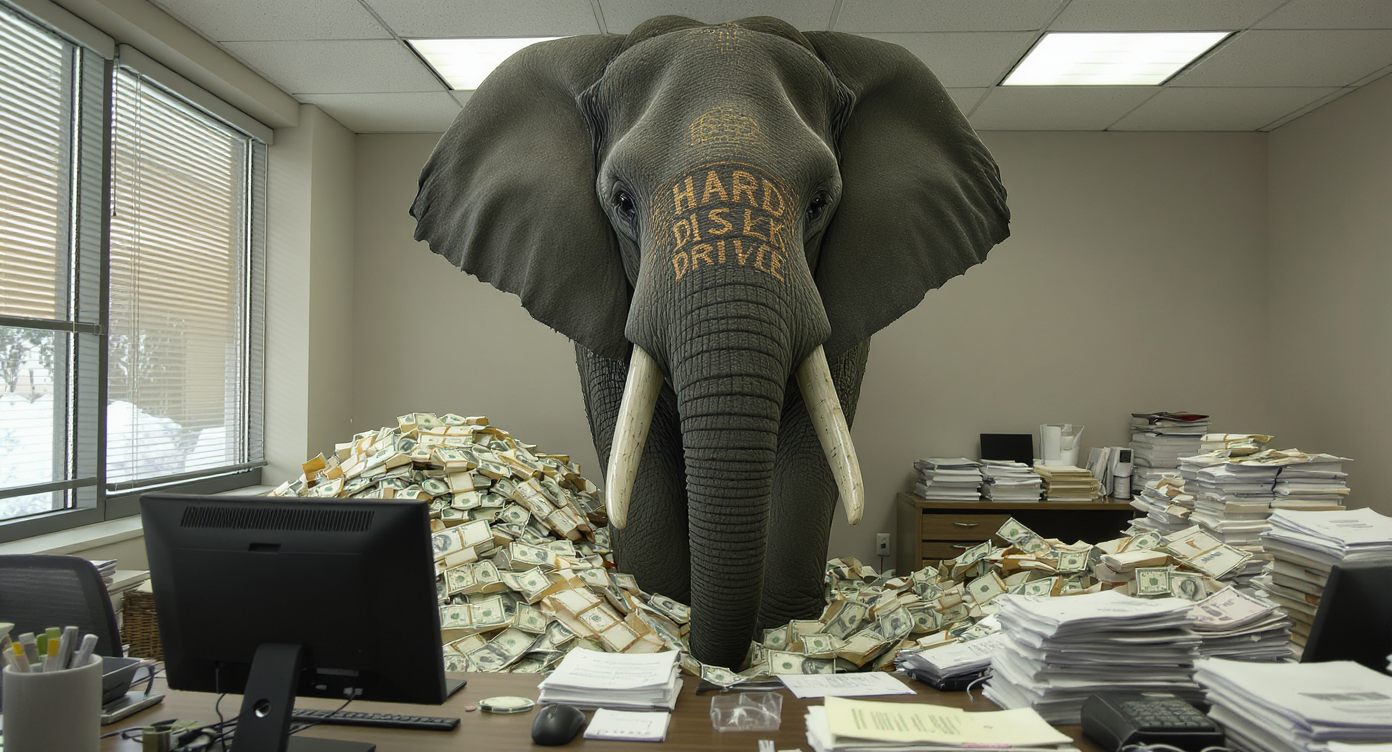
Thankfully, I enjoy this hobby of building these machines and finding a way to get them into the hands of other people. The current state of the world certainly siphons off some of that joy, but not enough to stop me!
Inspiration for 2026’s Texas Linux Fest Booth
Our entire motivation for being at Texas Linux Fest is probably best described as community-building. While it’d be amazing if we could tie our presence at a festival to a sustained boost in traffic to one of our websites, that’s not really why we’re there.
Last year we had a bunch of people walk up to our booth ask questions like, “Why are you here?” or “What’s all this about?” We had such a fun time answering those questions that I had them in mind when I was thinking about the DIY NAS: Texas Linux Fest 2026. I purposely tried to incorporate some of the topics that Pat and I are each blogging about into this NAS.
1. 3D-Printing
 Just like in 2025, I was convinced that I wanted to make a Texas Linux Fest–themed case for the DIY NAS: Texas Linux Fest 2026. Pat and I are both constantly solving problems with 3D-printed objects. I picked out makerunit’s 12-bay ATX NAS case to house the NAS. I’ve printed and blogged about this exact case on briancmoses.com and felt like it was an ideal choice to show to the crowd this year at Texas Linux Fest.
In my opinion, makerunit’s 12-bay ATX NAS case is the pinnacle of 3D-printing projects. The case is flat-out fantastic for a truckload of reasons that I am looking forward to sharing with attendees at the Texas Linux Fest.
2. Artificial Intelligence
Since last year’s Texas Linux Fest, Pat’s done an amazing job this year at tinkering with and creating content related to artificial intelligence. I’ve especially enjoyed playing the various Highway Crossing Frog games that Pat’s included in his blogs, like the answering the question: “Can your 16GB GPU run a coding harness?”.
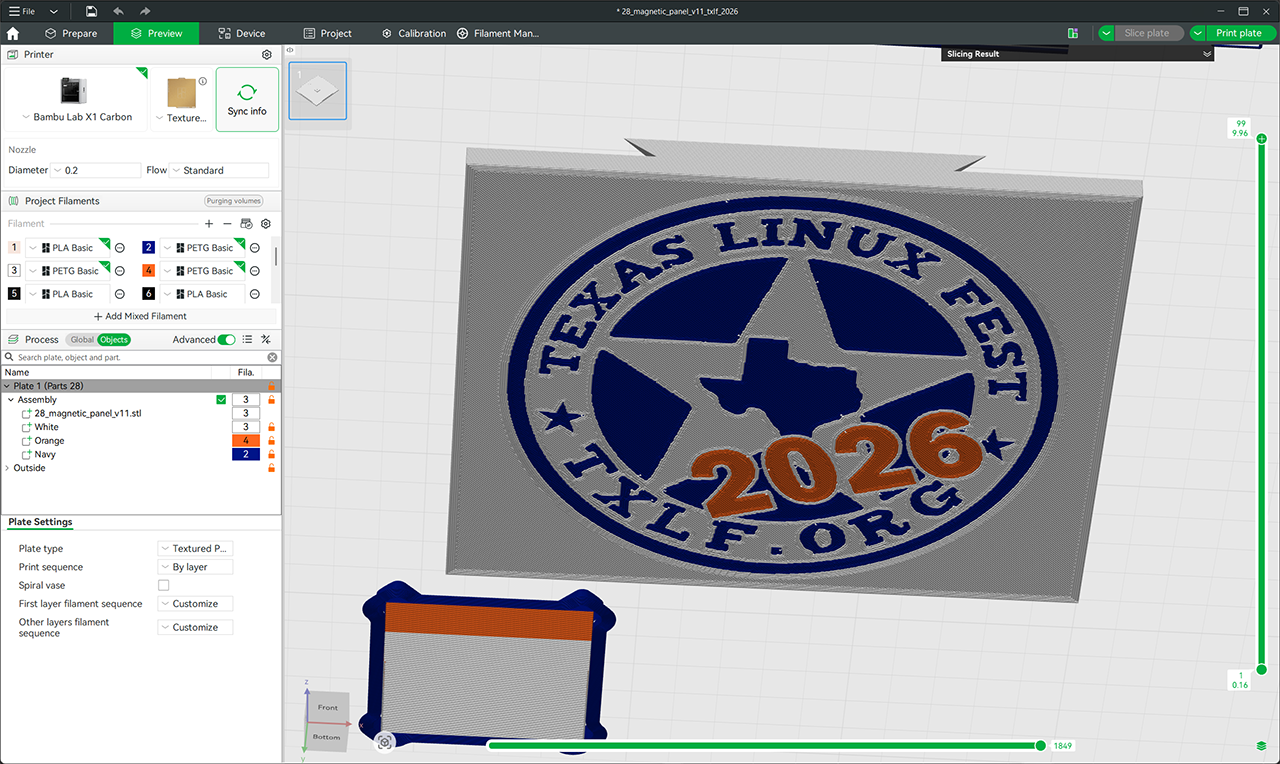
Last year, I created a Texas Linux Fest–themed image based on the Texas Linux Fest Logo. Ultimately, I incorporated that into a 3D model (more on that later), but to make it 3D-printable involved a lot of work. First, I manipulated the image to clean the details that wouldn’t print well, and then I bungled my way through turning the SVG into a multicolor 3MF file.

It’s not as impressive as Pat’s Highway Crossing Frog, but this year I handed the logo off to Z.ai’s GLM-5.3 model, told it what I wanted back, and was 3D-printing in a fraction of the time. This logo also turned into one of the pieces of swag that I churned out of my 3D printers in the weeks leading up to Texas Linux Fest.
3. 3D-Design
Pat and I each tinker with 3D-design; Pat’s Li’l Magnum Ultralight Fingertip Mouse Mod or my Cooling Shroud Kit for a LSI 9300-16i HBA are each examples of our design shenanigans that have accidentally turned into interesting products.
I customized (vandalized?) the 3D-printed 12-Bay ATX NAS case by incorporating the AI-generated model onto the front of the case as well as an extra-large version at the middle of the case’s magnetic side panel.
In addition to the NAS, I took my own custom 3D-printed network rack, which was made possible by the Rackstack project. Rackstack is a modular 3D-printable miniature rack system that inspired me to design a brush strip plate for hiding some of your cable mess.
DIY NAS: 2025 TXLF Edition
Since I’m most well-known for my DIY NAS builds, I bundled all of these interests into this DIY NAS machine, will show it off at our booth this year, and give it away at the end of the conference. Last year it was a tremendous draw and it sparked lots of interesting conversations. I hope that 2026 will be no different, and hopefully people will find this NAS as impressive as the attendees found it last year.
Specifications
- Intel N150 CPU
- 32GB DDR5 5600MHz
- Dual 10GbE NICs (Intel X550-AT2)
- 256GB NVMe SSD
- 12 total SATA3 Ports
- 6 x SATA ports on motherboard (2 x SATA, 1 x SFF-8643)
- 6 x SATA Ports from an M.2 SATA Card (ASM1166)
- 2026 Texas Linux Fest–themed Case
- 12 x 3.5” HDD bays
- 430 x 430 x 200mm
- ATX, Micro ATX, or Mini ITX motherboards
- 3 x 120mm Intake Fans behind drive bays
- 1 x 120mm Exhaust Fan
- … and TrueNAS 27 RC.1!
Parts List
Here’s a list of all the parts that I used in the DIY NAS: Texas Linux Fest 2026. All of the parts that I picked are brand-new, but if you’re following this list for your own NAS, the power supply is going to be hard to find because I bought it 6 years ago and it has been sitting on a shelf in my closet ever since. In 2026, I’m really glad that I had a spare power supply to save a few bucks on this DIY NAS build! If you’re building a DIY NAS in 2026, I hope that you have useful part(s) tucked away in your closet like I did!
| Component | Part Name | Qty | Cost | |
|---|---|---|---|---|
| Motherboard | Topton N29 Motherboard | specs | 1 | $342.98 |
| Memory | Crucial RAM 32GB DDR5 5600MHz SODIMM (CMSX32GX5M1A5600C48) | specs | 1 | $459.99 |
| Case | TXLF-themed 12-bay ATX NAS | specs | 1 | $12.00 (plus materials) |
| M.2 SATA Card | RIITOP M.2 6-port SATA Adapter | N/A | 1 | $35.99 |
| Power Supply | ThermalTake Toughpower 650W Power Supply | specs | 1 | N/A |
| Boot Drive | Silicon Power A60 256GB M.2 NVMe SSD (SP256GBP34A60M28) | specs | 1 | $59.97 |
| SATA Data Cables | Cable Matters SFF-8643 to 4xSATA | N/A | 1 | $19.99 |
| ADCAUDX SATA-III Cable:1M 6Pcs SATA Right-Angle Cable Long | N/A | 1 | $12.68 | |
| ADCAUDX 3 Pack Long-SATA-III Cable 1M, Thin Flexible Straight SATA Cables | N/A | 1 | $9.98 | |
| SATA Power Cables | Mbiydeg 6-way SATA Power Splitter | N/A | 2 | $6.29 |
| Total Price: | $959.87 | |||
Building the DIY NAS: Texas Linux Fest 2026
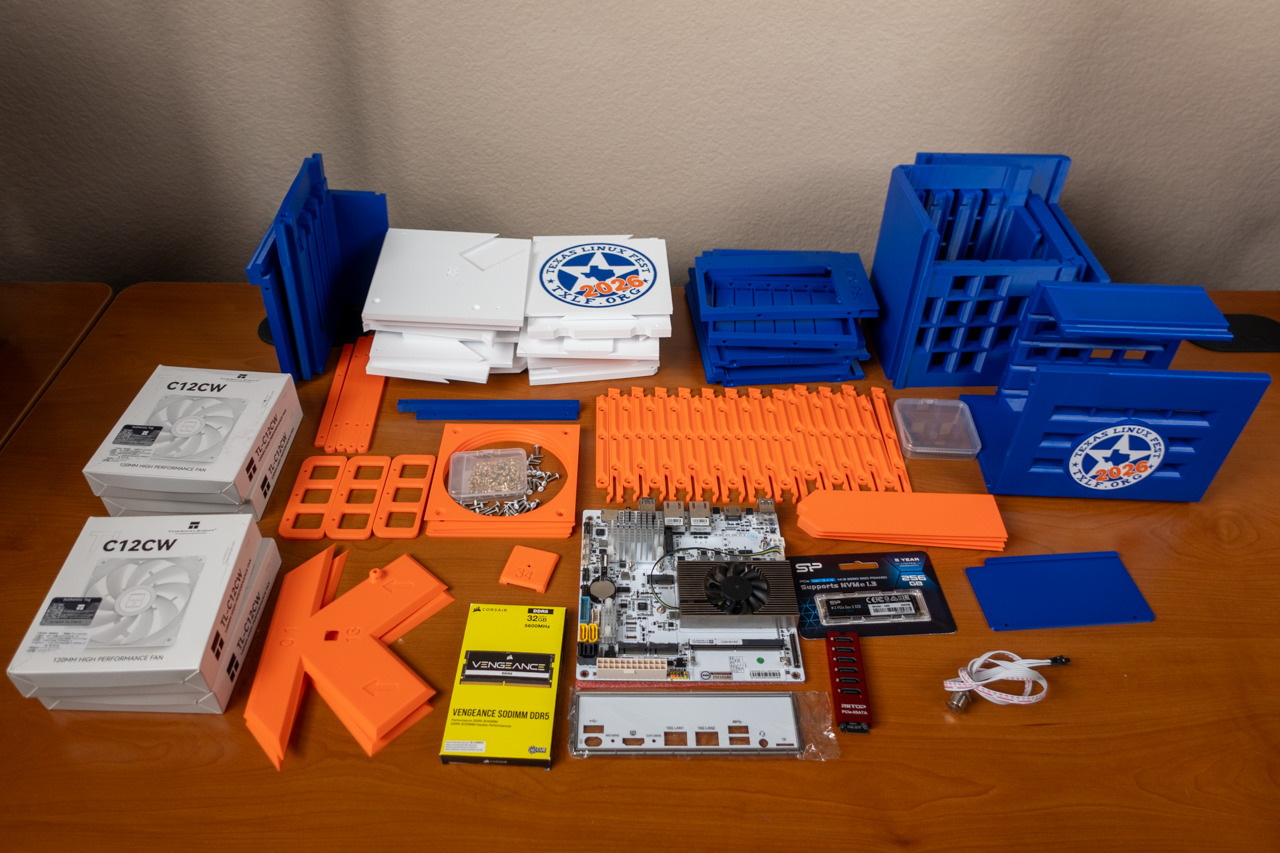
Of all the time I spent on this NAS, the majority of it was spent assembling the 12-Bay ATX NAS case. Especially if you include all the time that I spent 3D-printing all of the parts that go into the case. 3D-printing and assembling a computer case seems like a good value, but having assembled a few of these, I contend that buying a case has a much better value proposition. However, the ability to trade some of my time to make something truly unique was exactly what I had in mind for Texas Linux Fest.
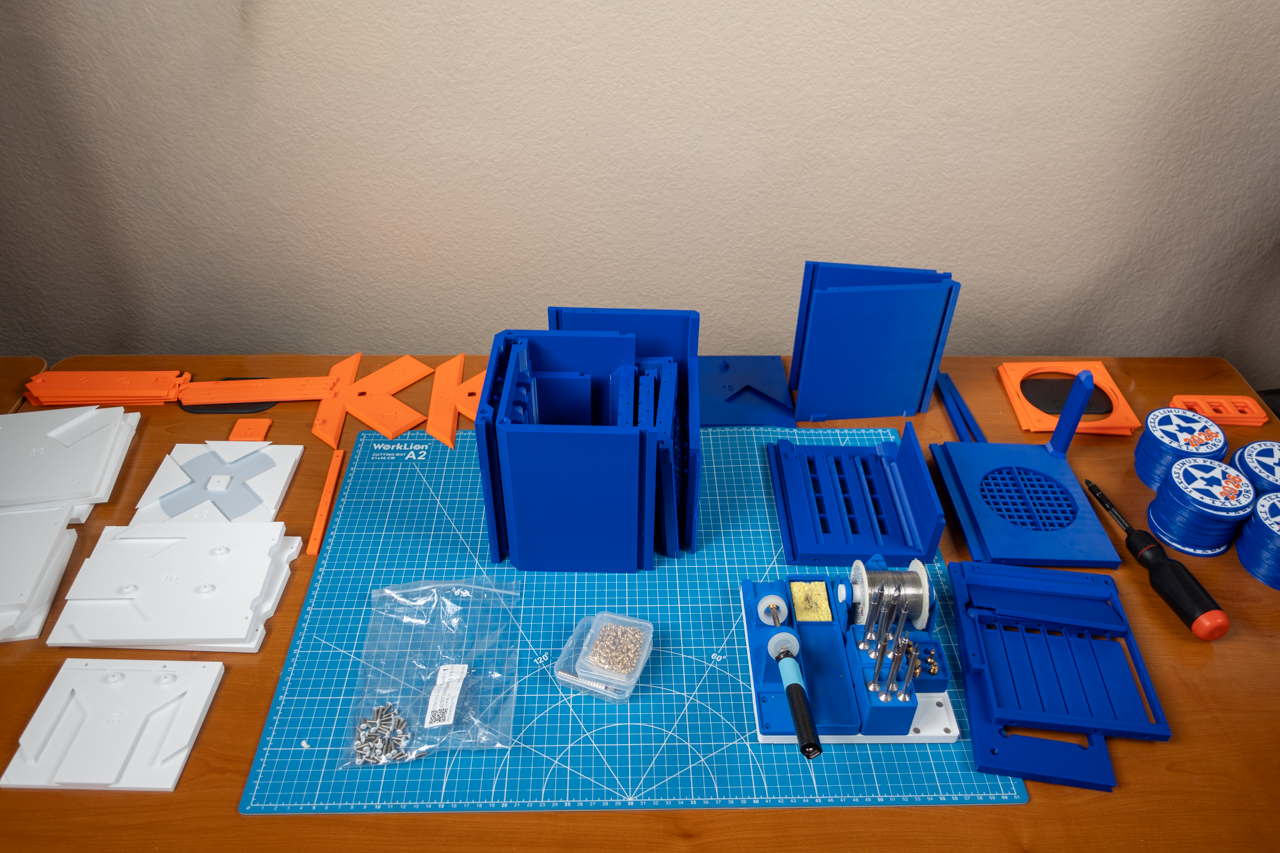
All the case's 3D-printed parts and hardware.
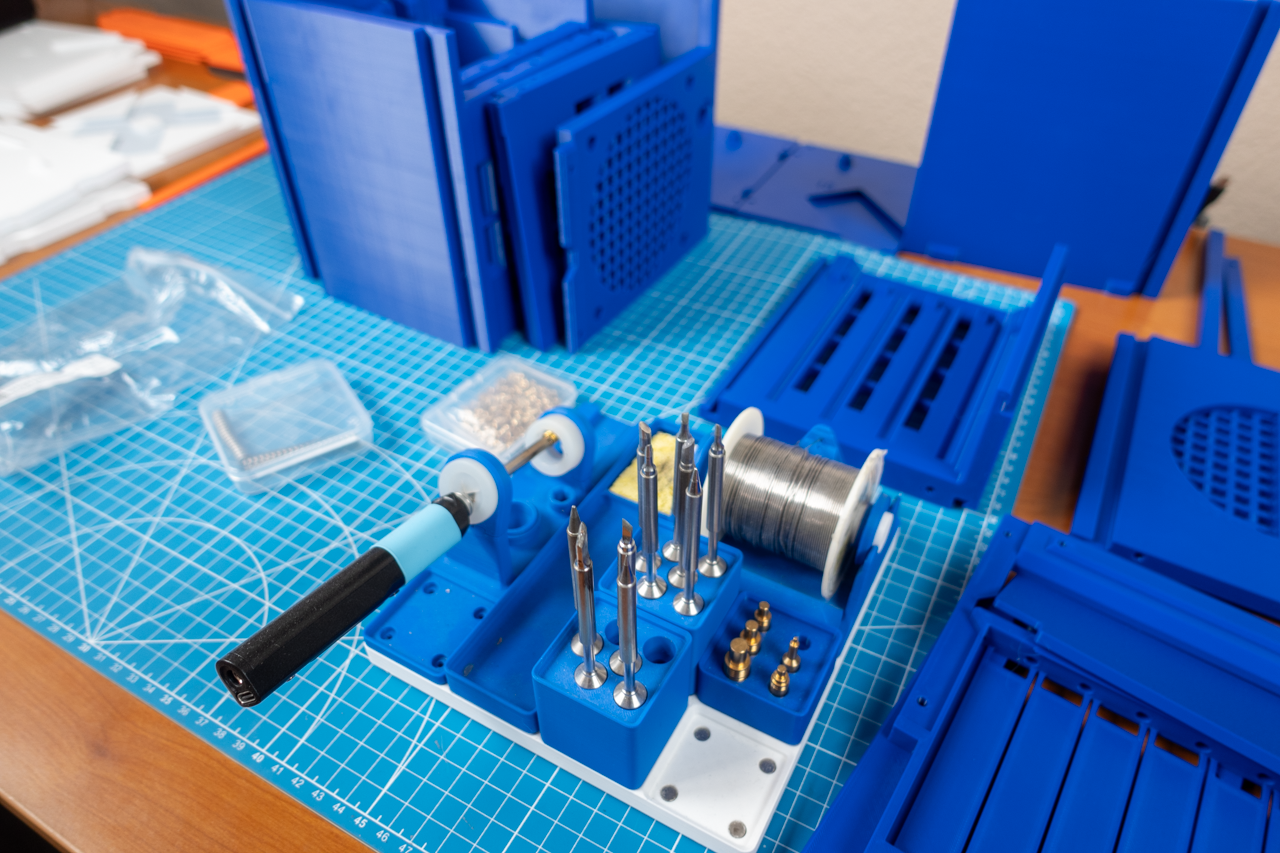
Preparing to use the soldering iron to put in all the heat-press inserts.
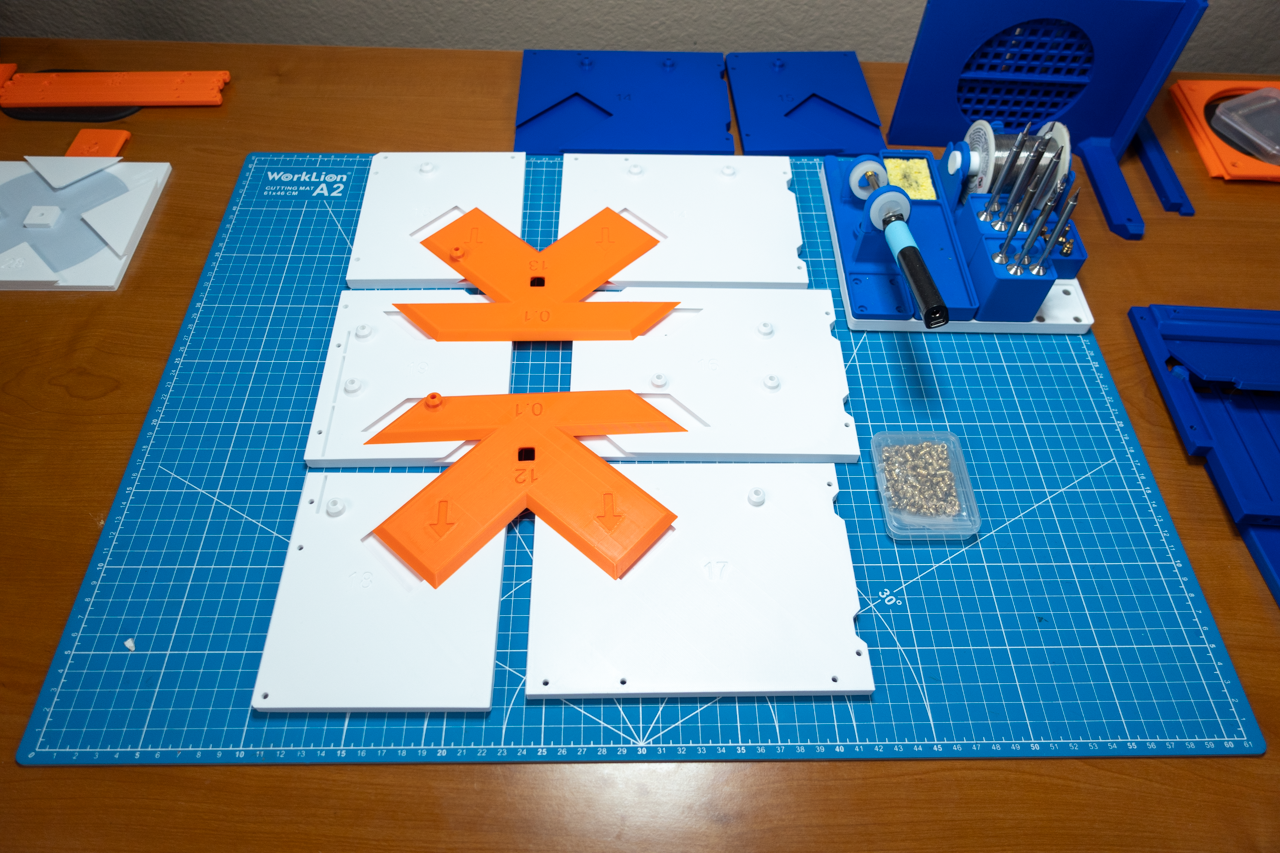
Laying out the motherboard plate.
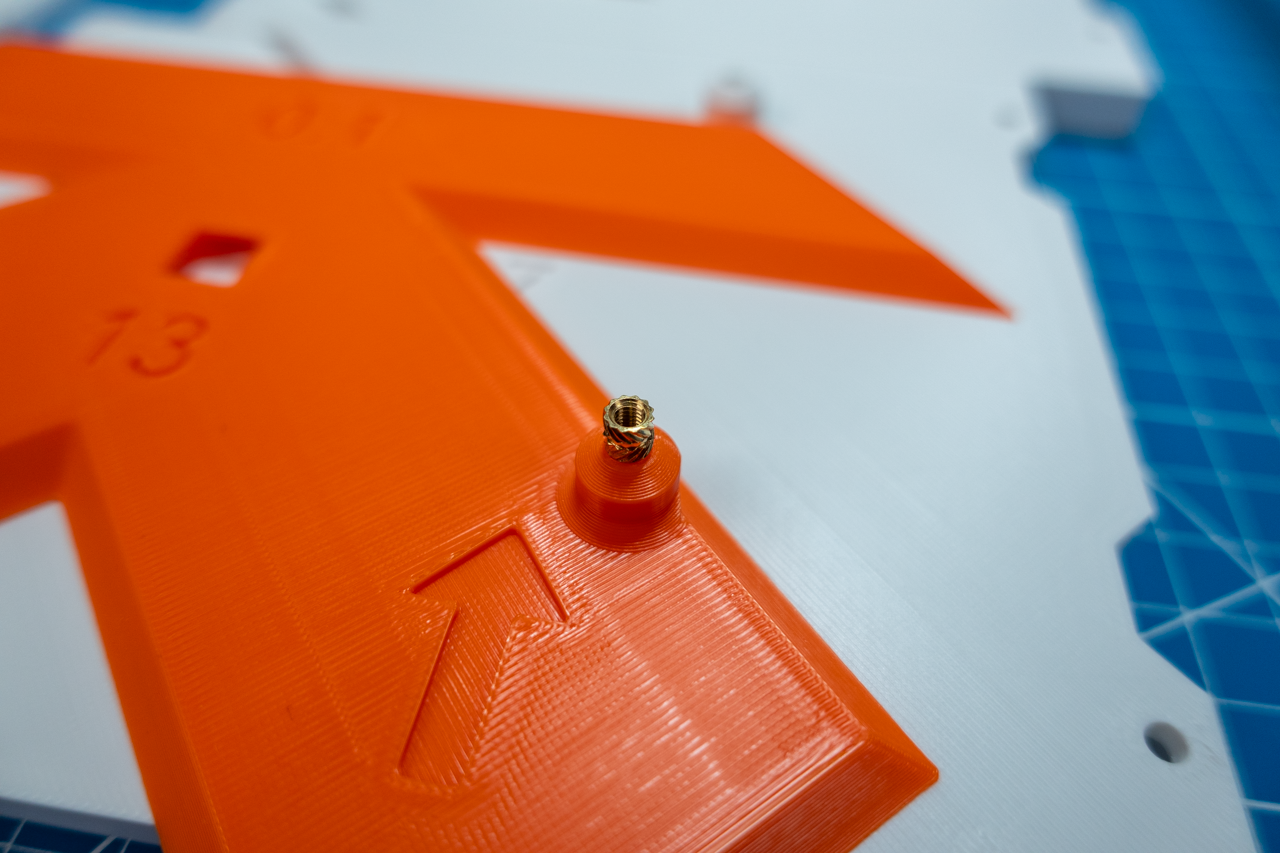
Close-up of heat-press insert.
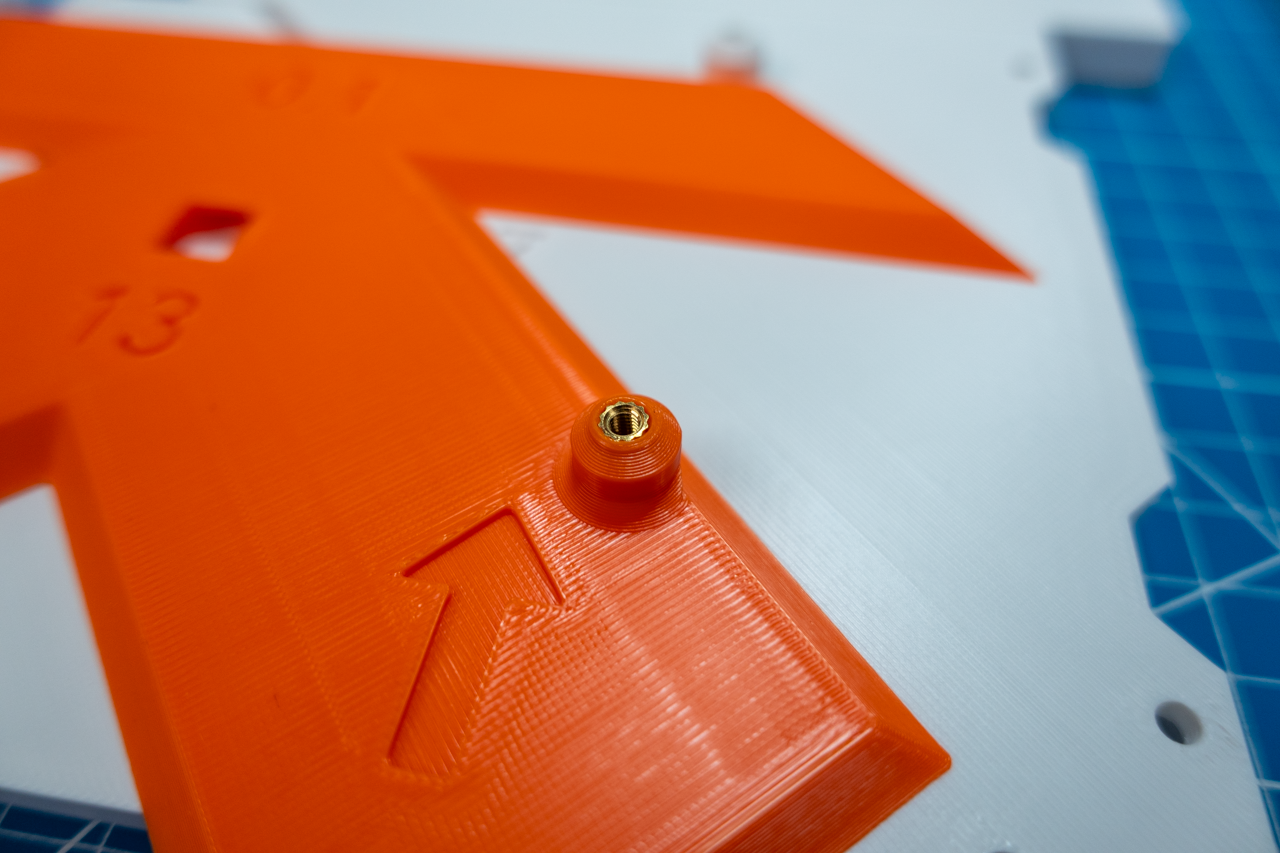
Close-up of heat-press insert after being pressed.
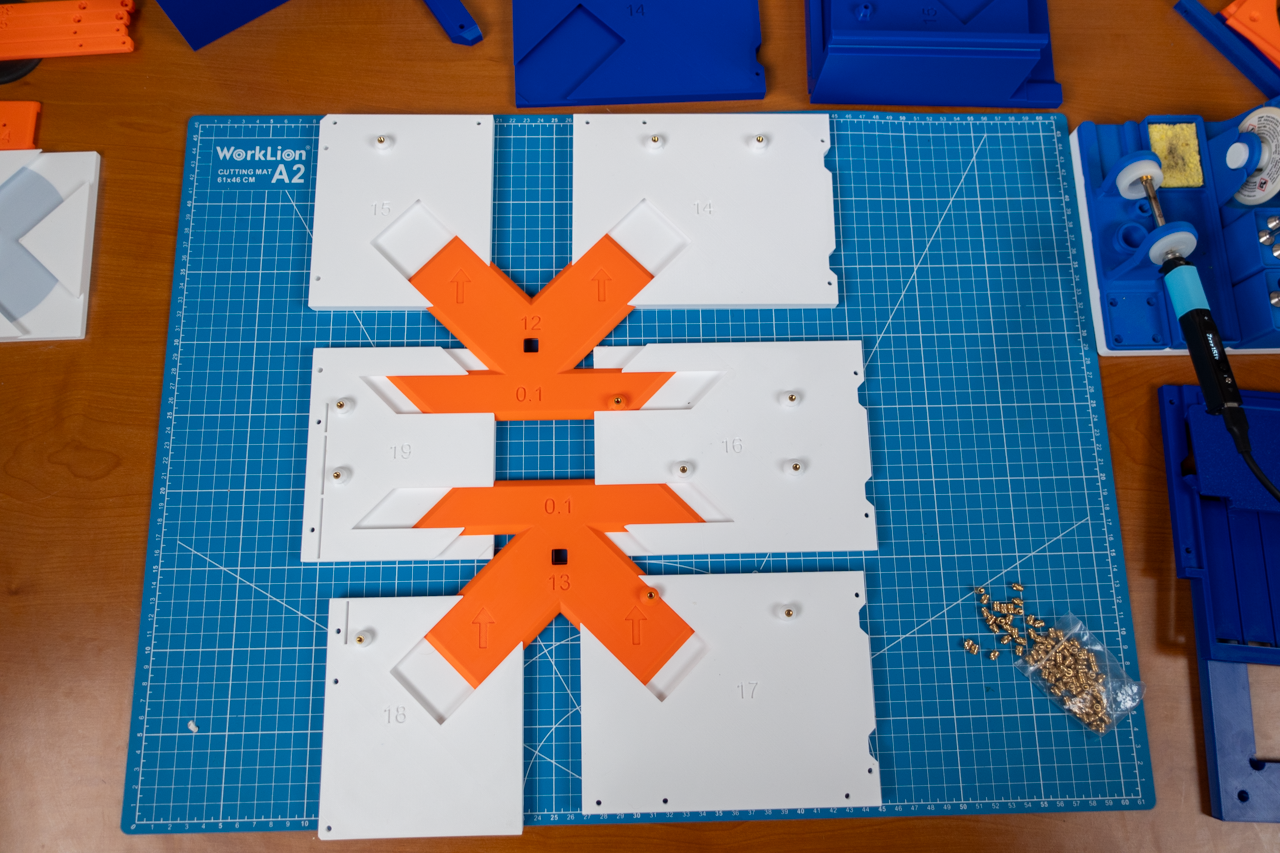
Motherboard plate is ready to be fitted together.
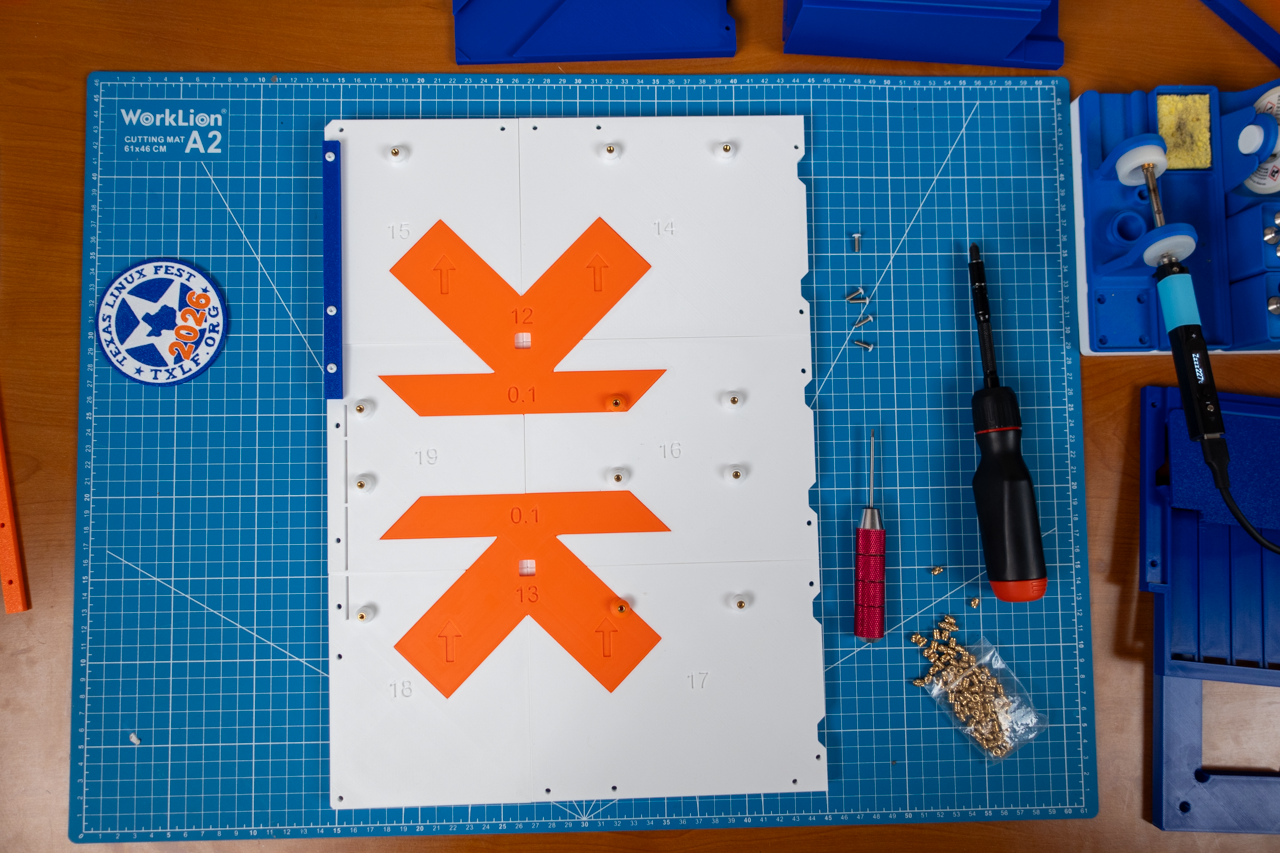
Fully assembled motherboard plate.
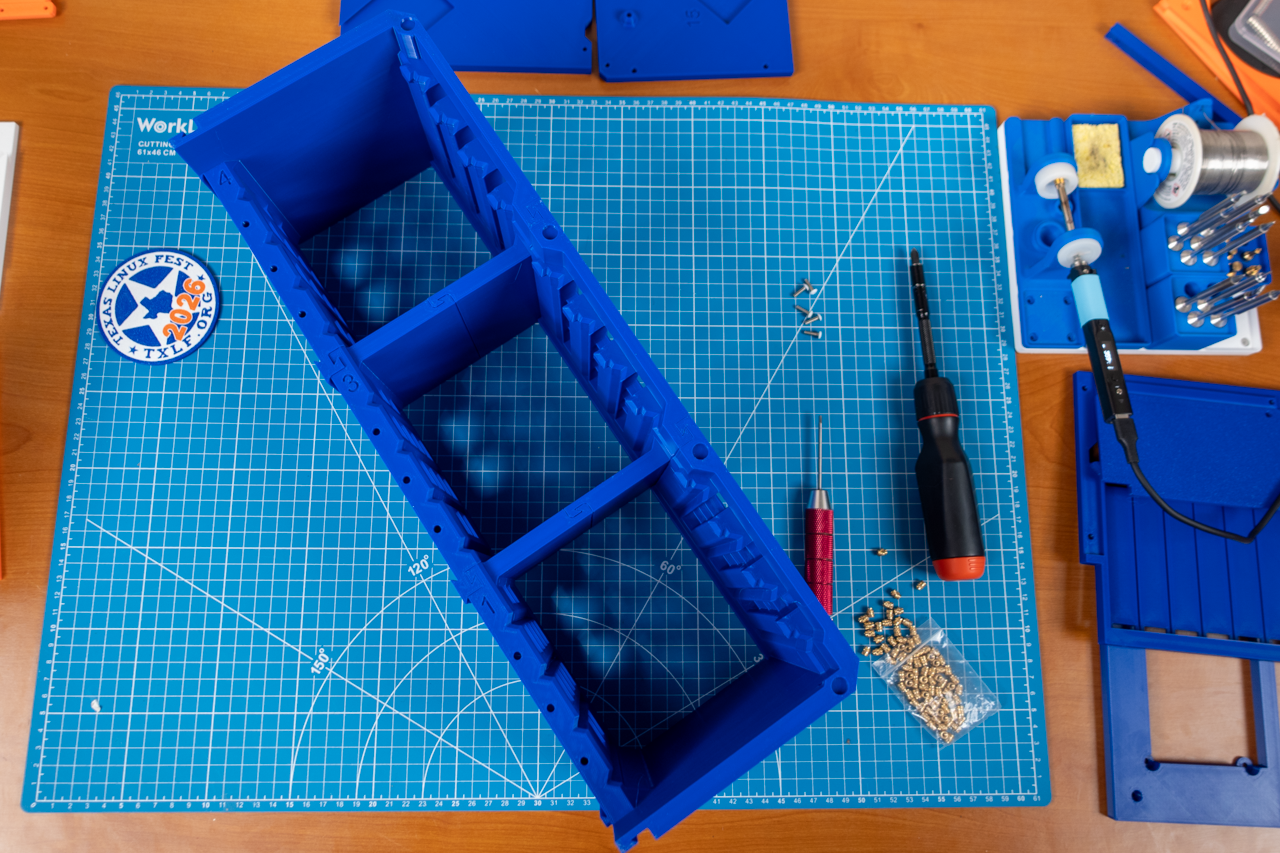
Assembling the drive cage.
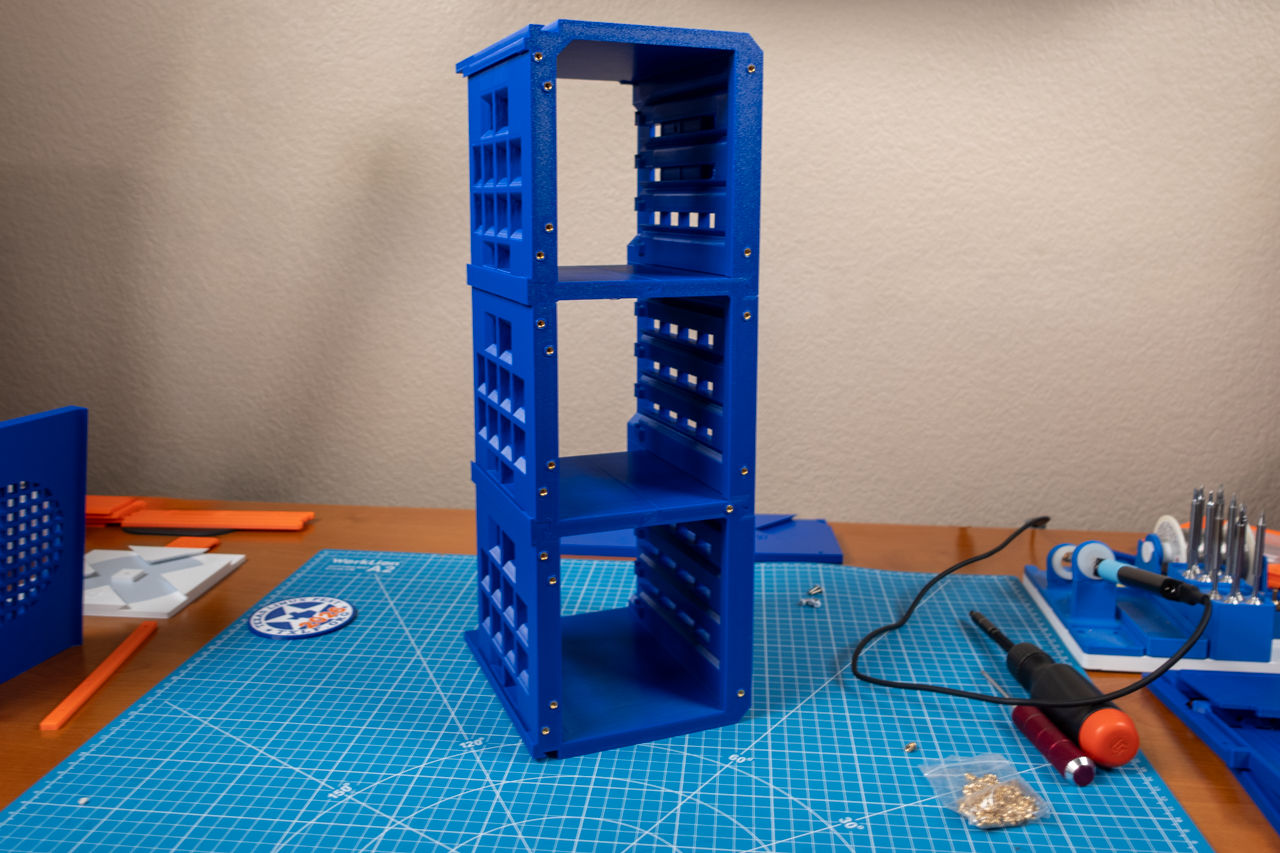
All the heat-press inserts made into the drive cage.
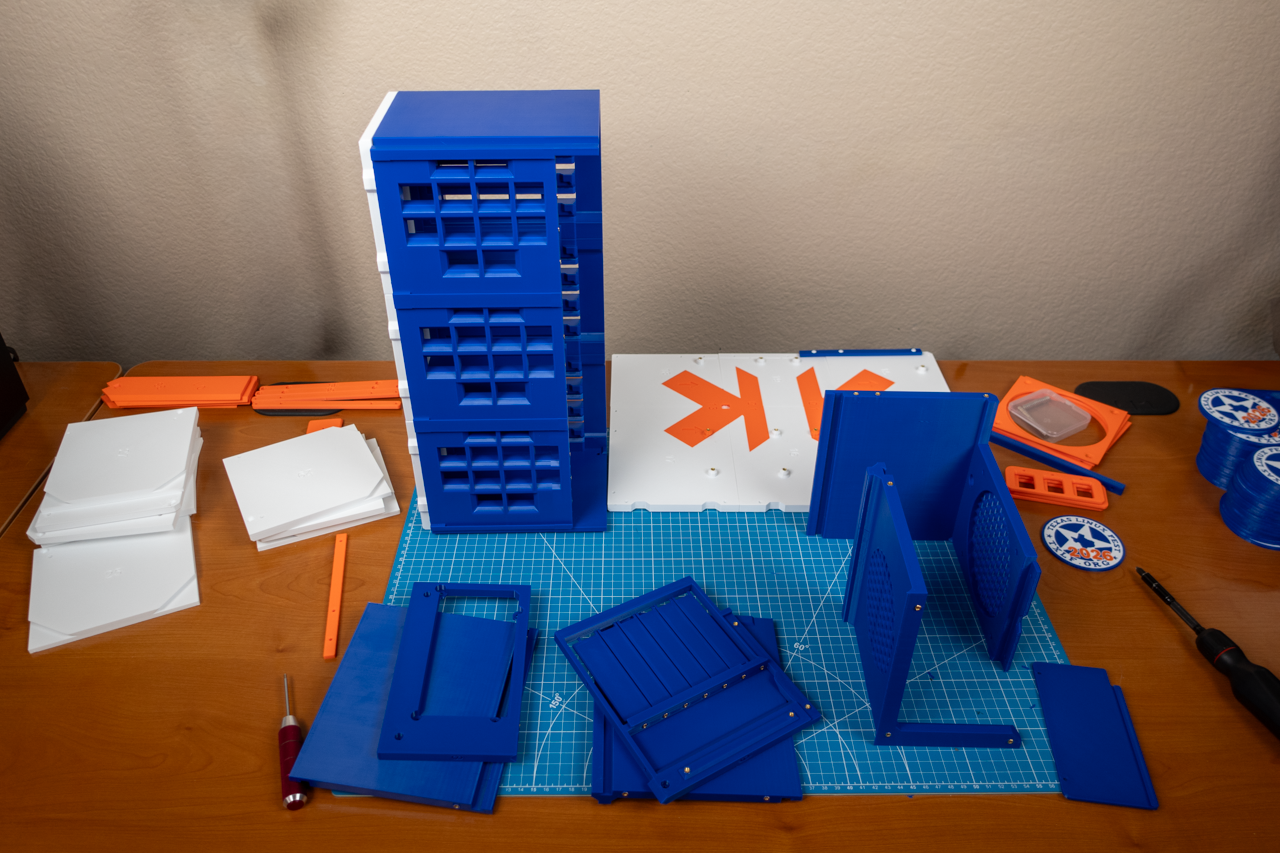
Ready to complete the installation of the drive cage, motherboard plate, and all the exterior pieces of the case.
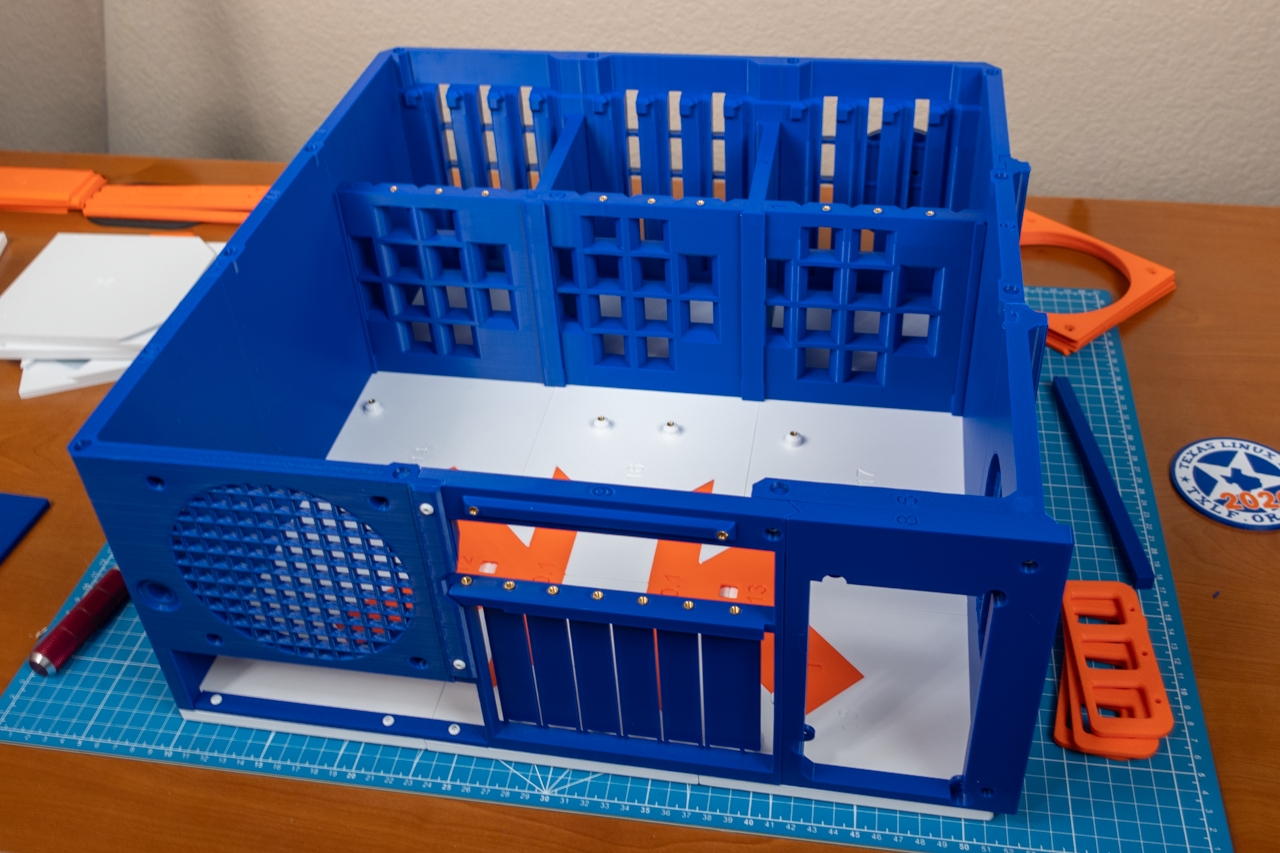
Completed assembly of the 12-bay NAS case.
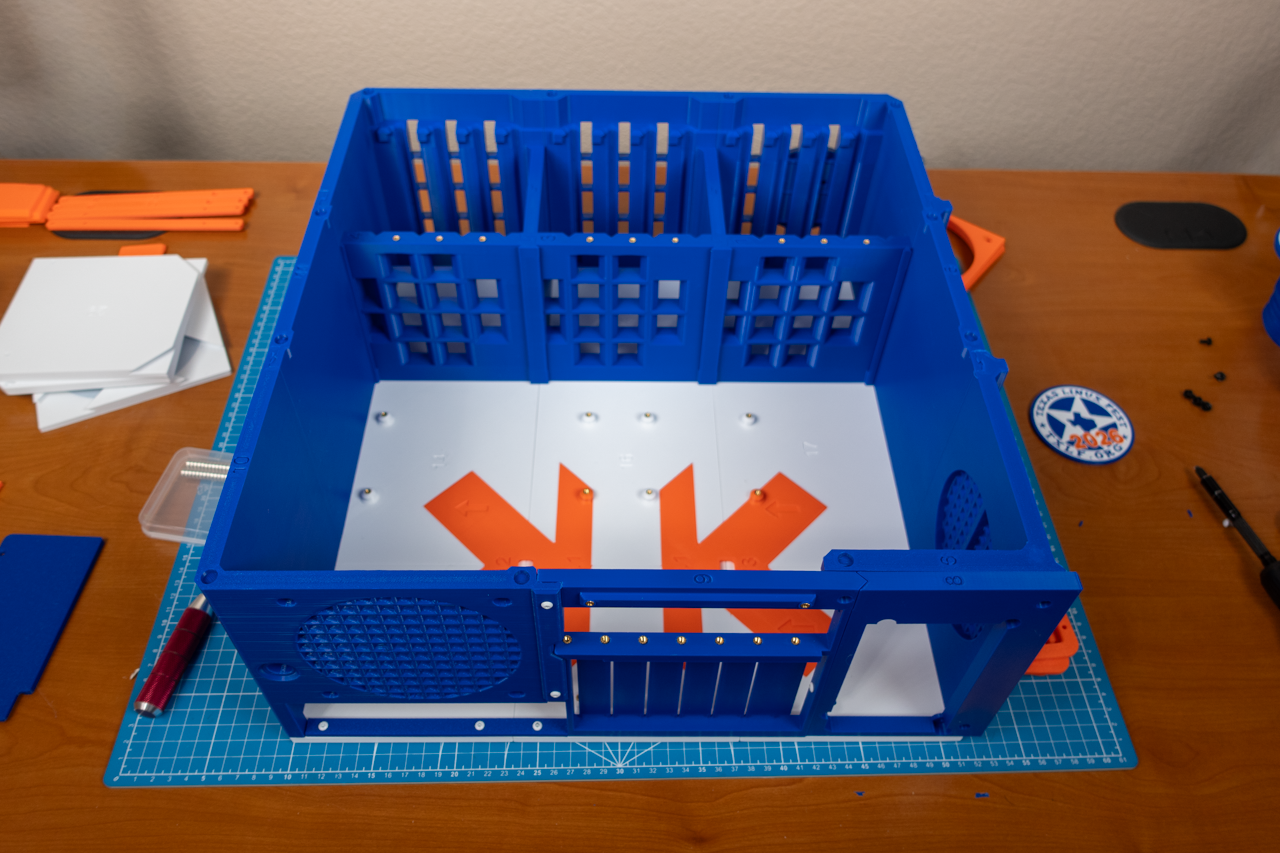
A different angle of the assembled 12-bay NAS case.
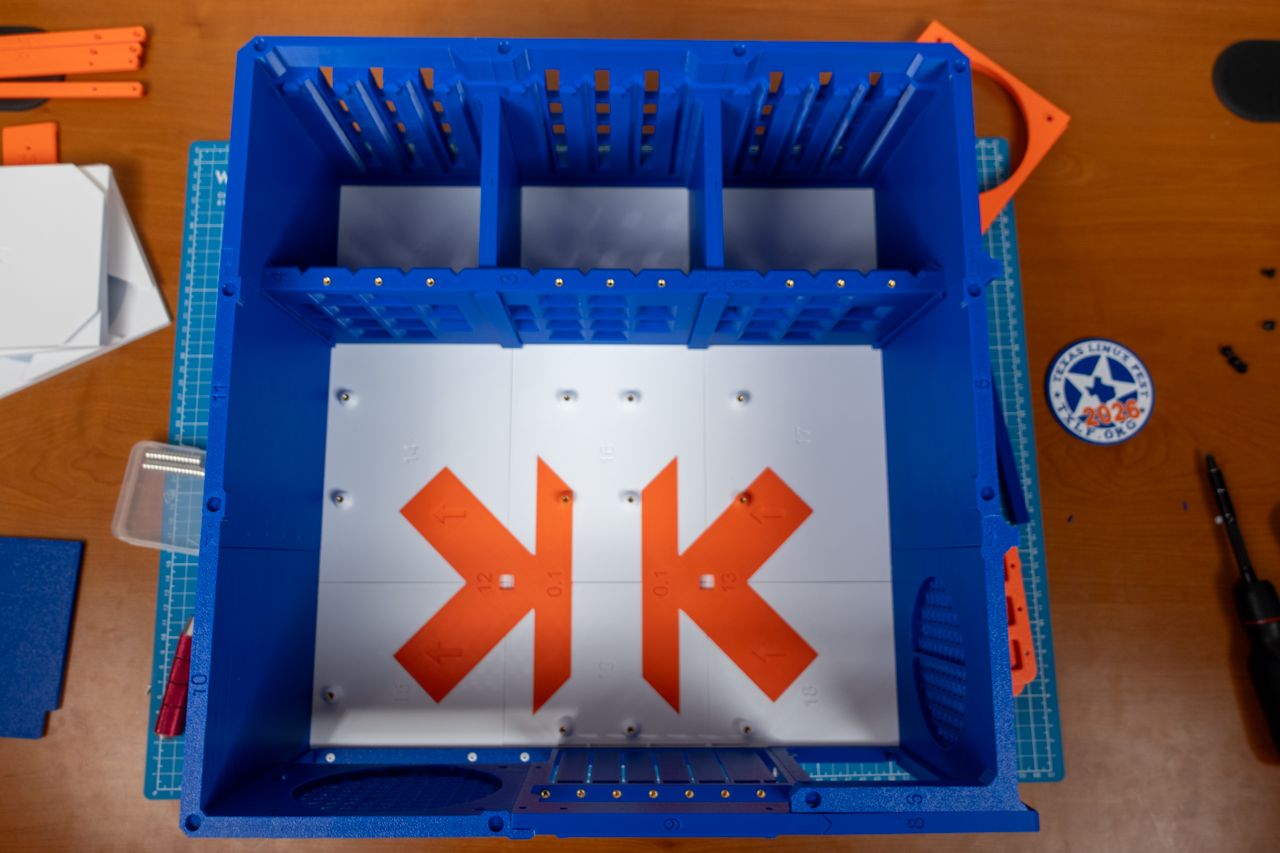
Top-down angle of the assembled 12-bay NAS case
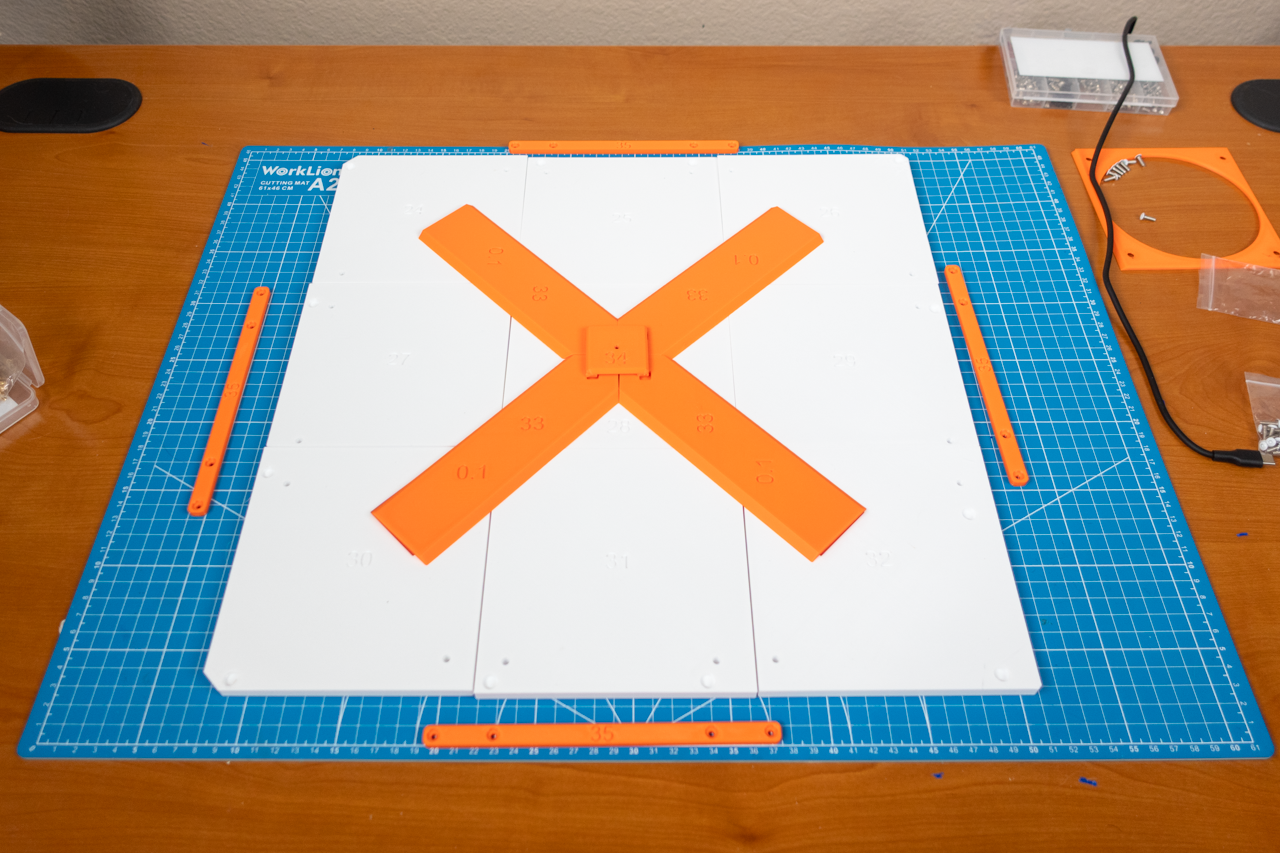
Assembling the case's magnetic side panel.
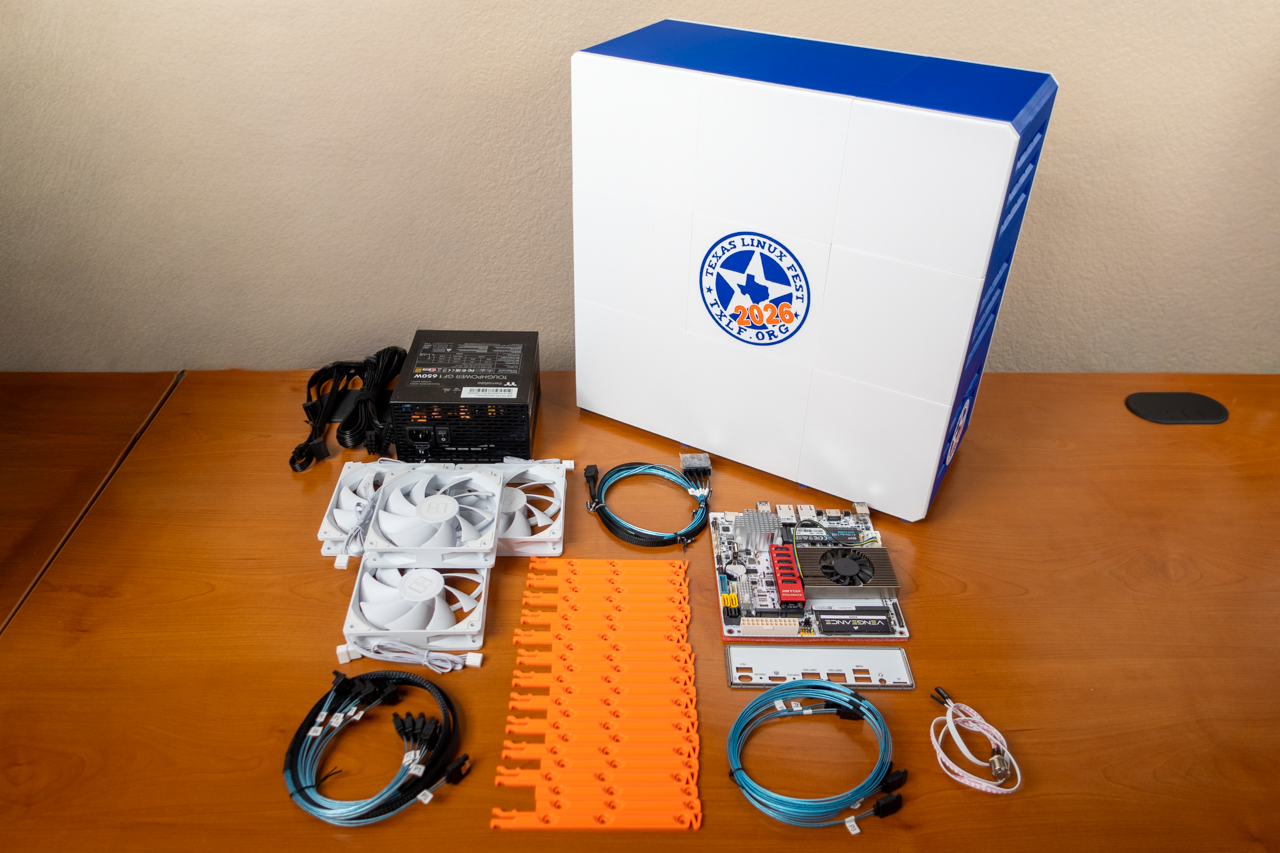
All of the DIY NAS: TXLF 2026's hardware.
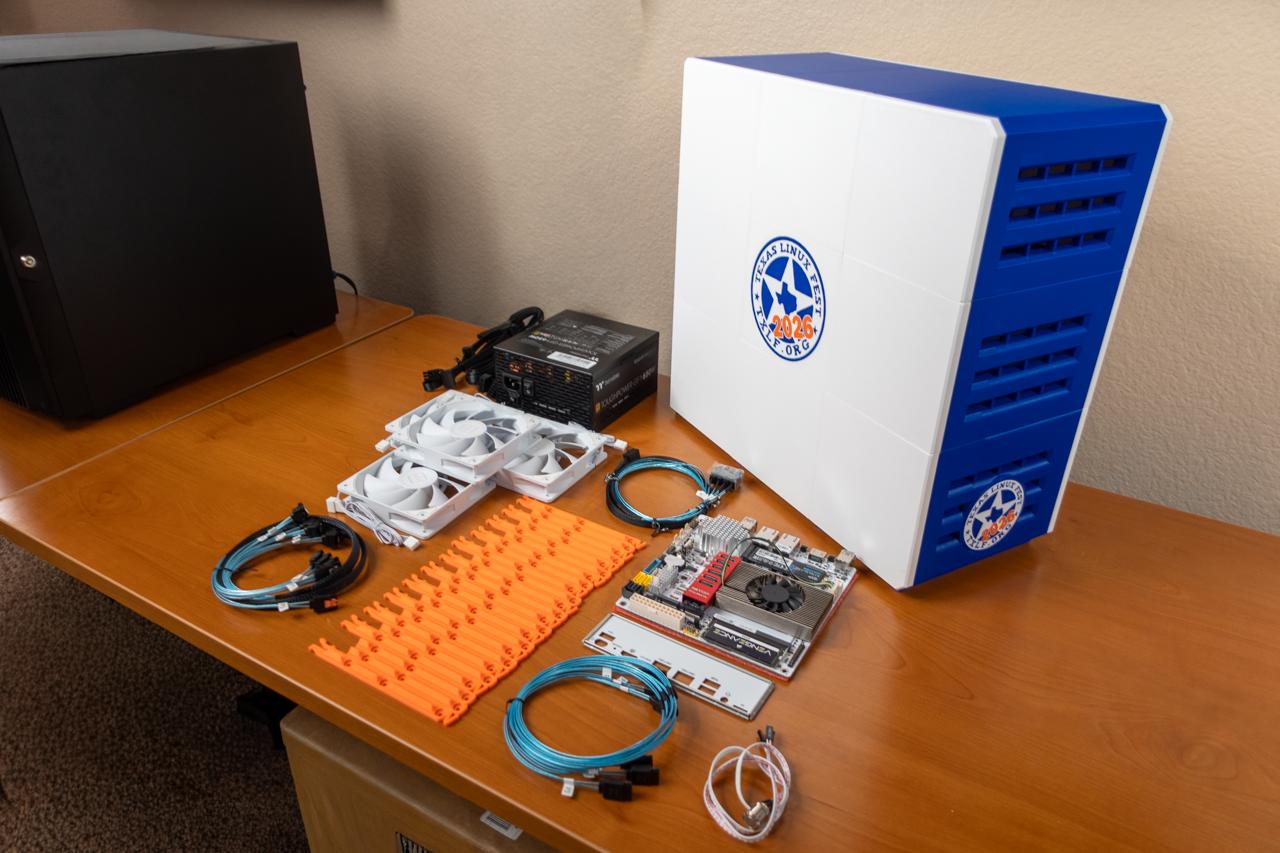
Another shot of all the DIY NAS: TXLF 2026's hardware.
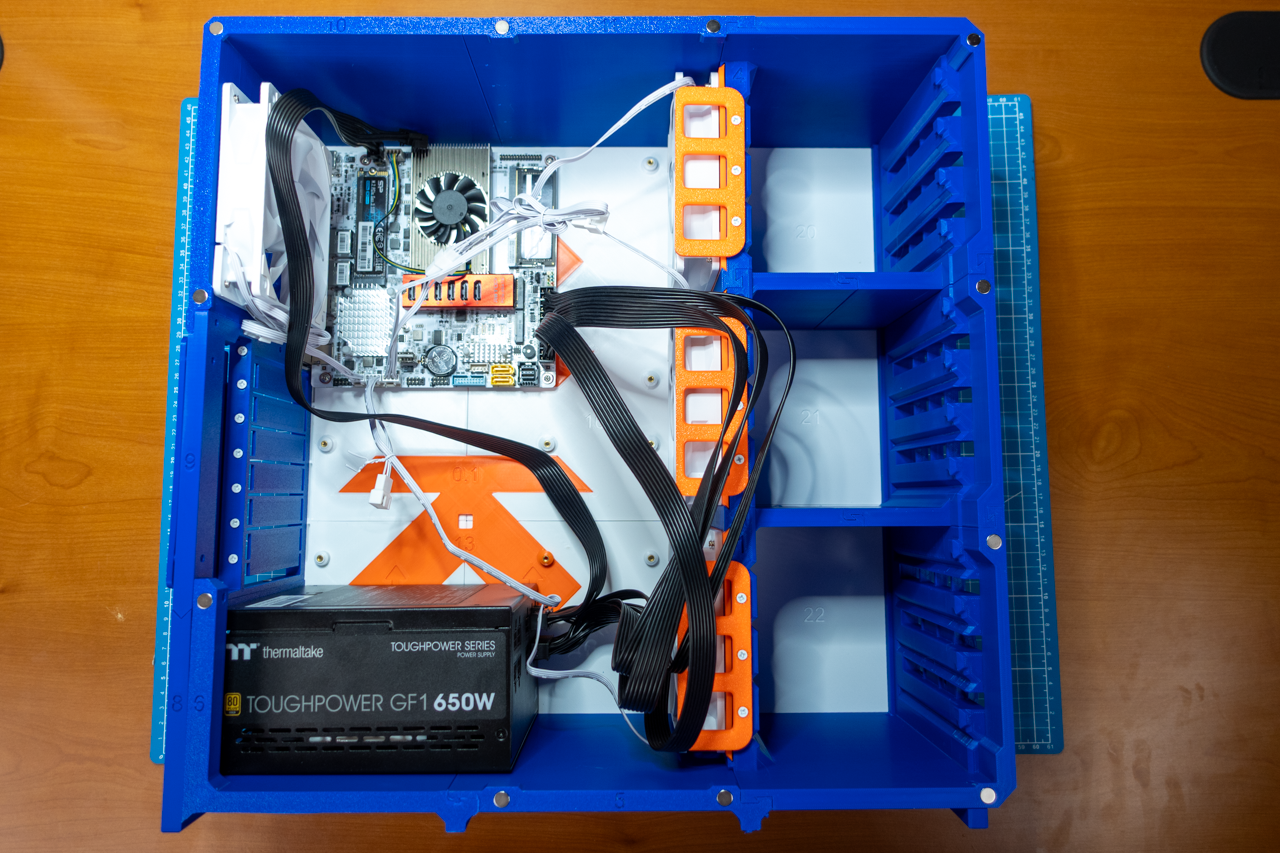
Installed the hardware in the DIY NAS: TXLF 2026.
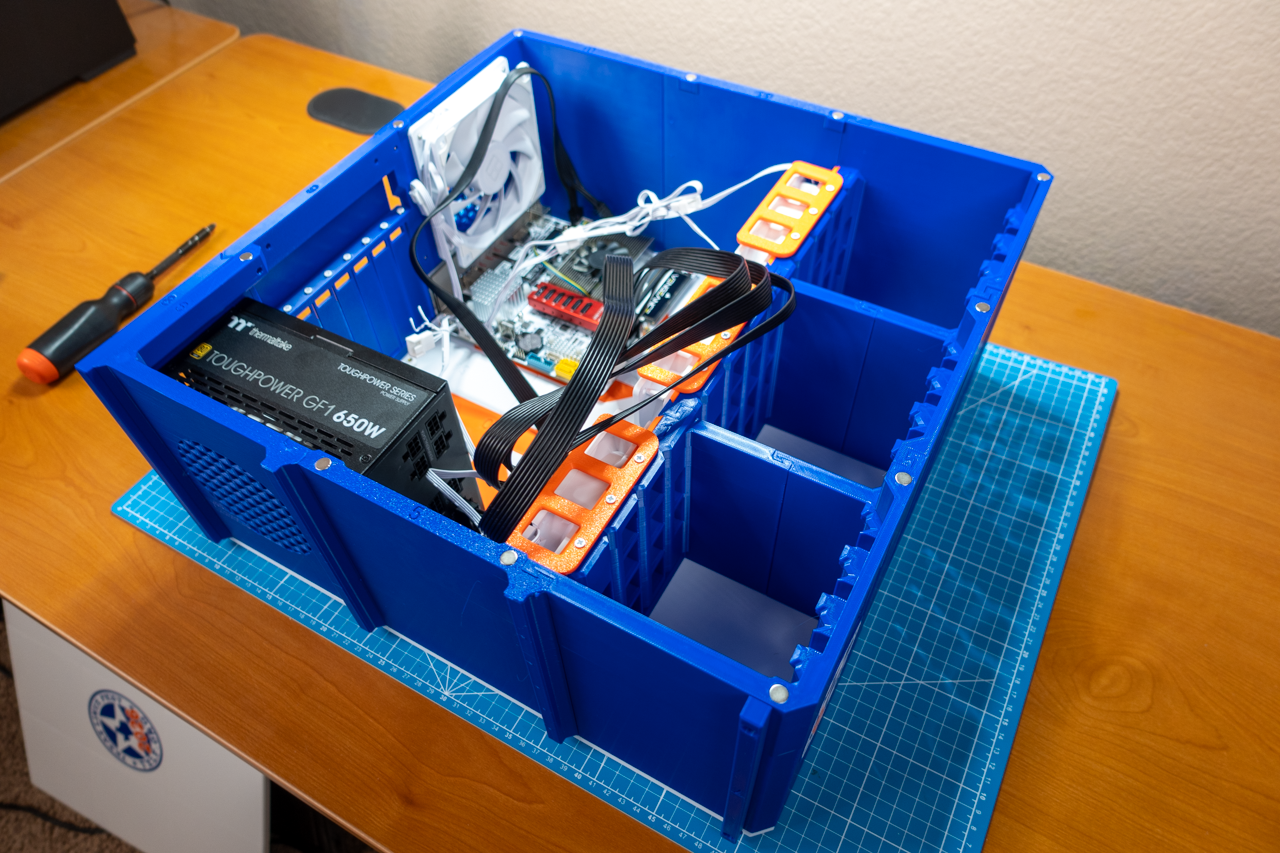
Another angle of all the hardware installed in the DIY NAS: TXLF 2026.
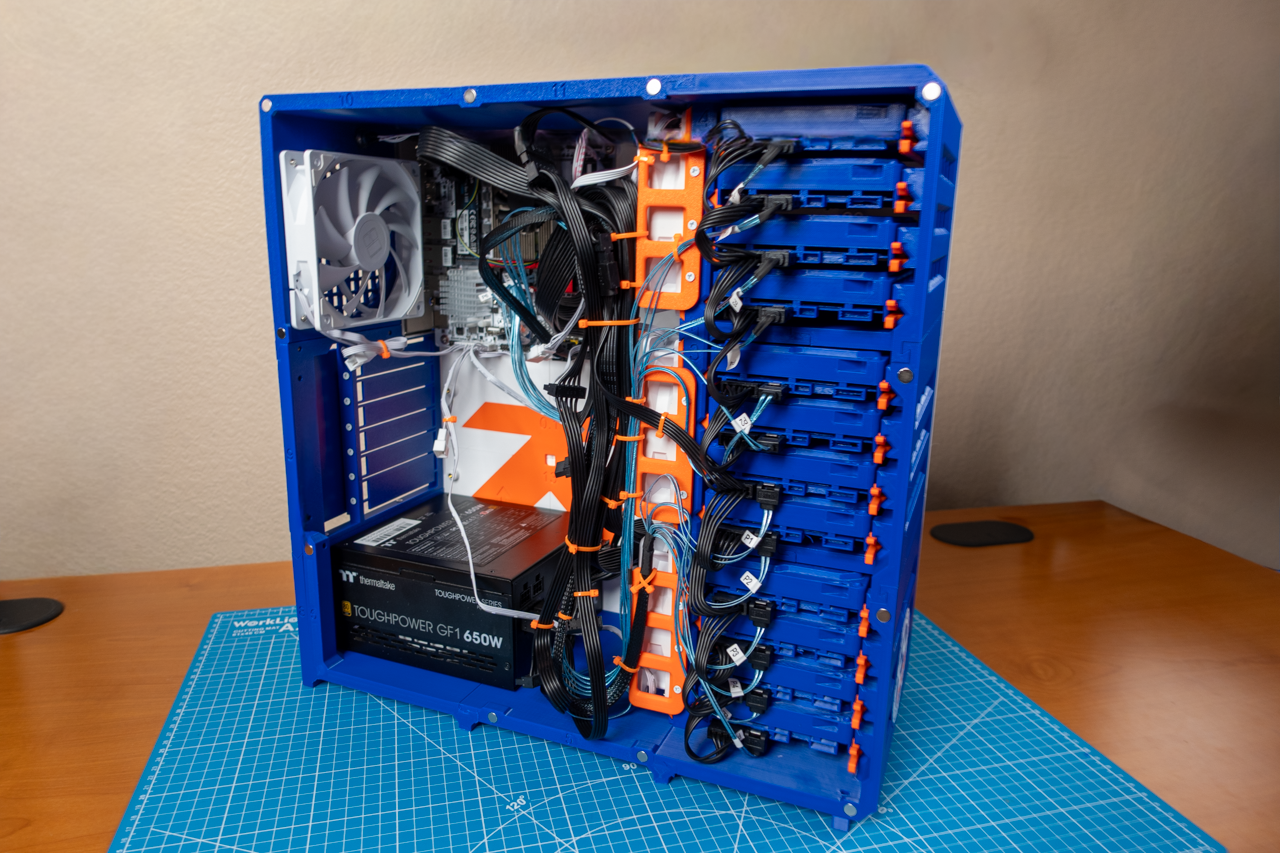
Fully-assembled DIY NAS: TXLF 2026 with 12 3D-printed HDD models #1.
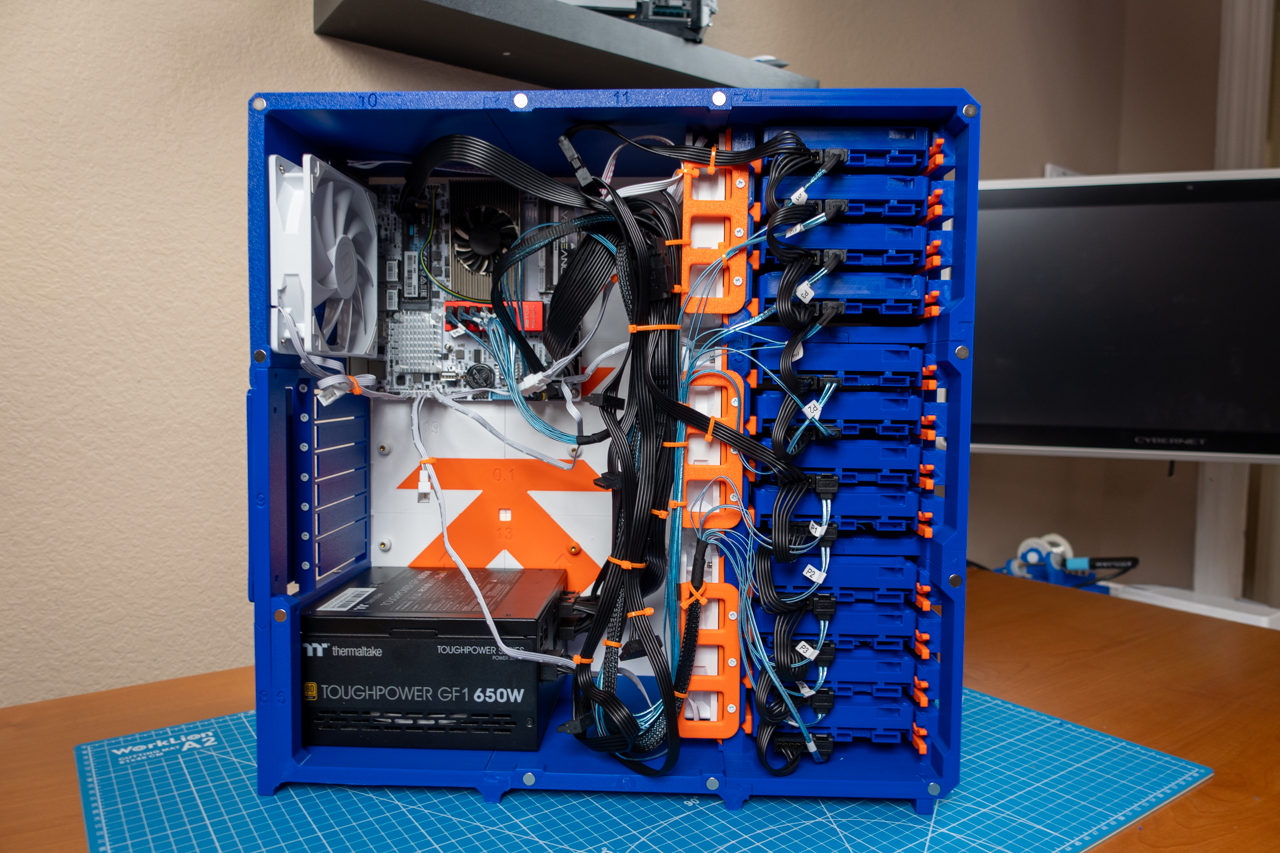
Fully assembled DIY NAS: TXLF 2026 with 12 3D-printed HDD models #2.
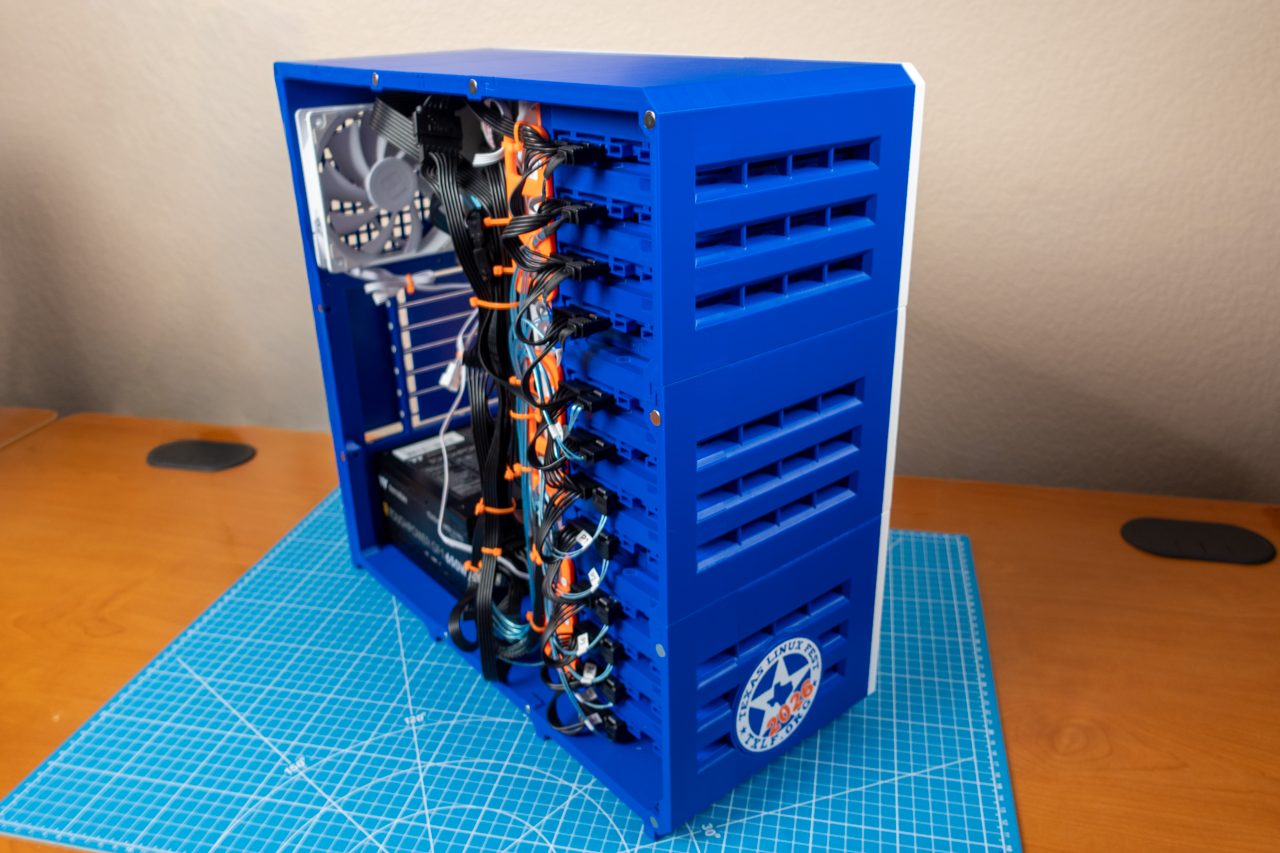
Fully assembled DIY NAS: TXLF 2026 with 12 3D-printed HDD models #3.
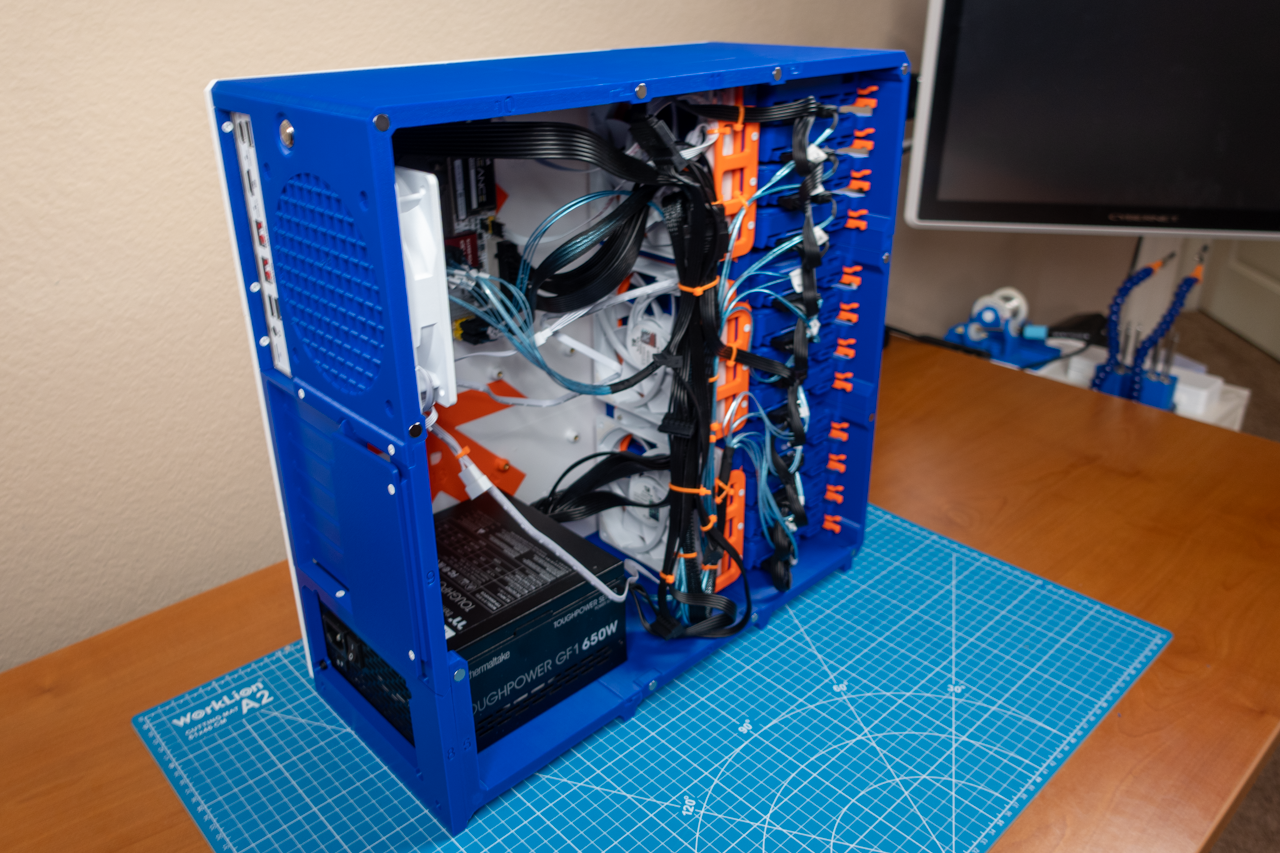
Fully assembled DIY NAS: TXLF 2026 with 12 3D-printed HDD models #4.
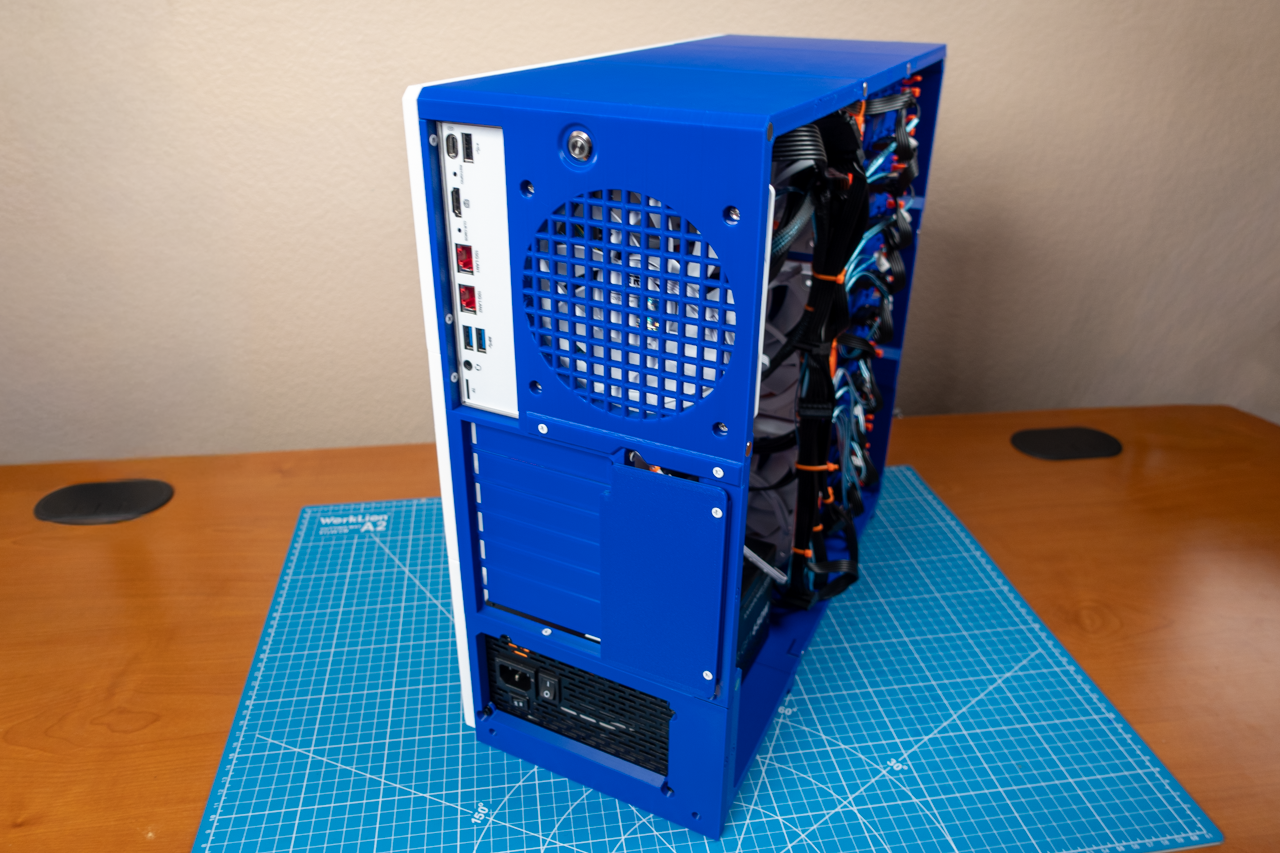
Fully assembled DIY NAS: TXLF 2026 with 12 3D-printed HDD models #5.
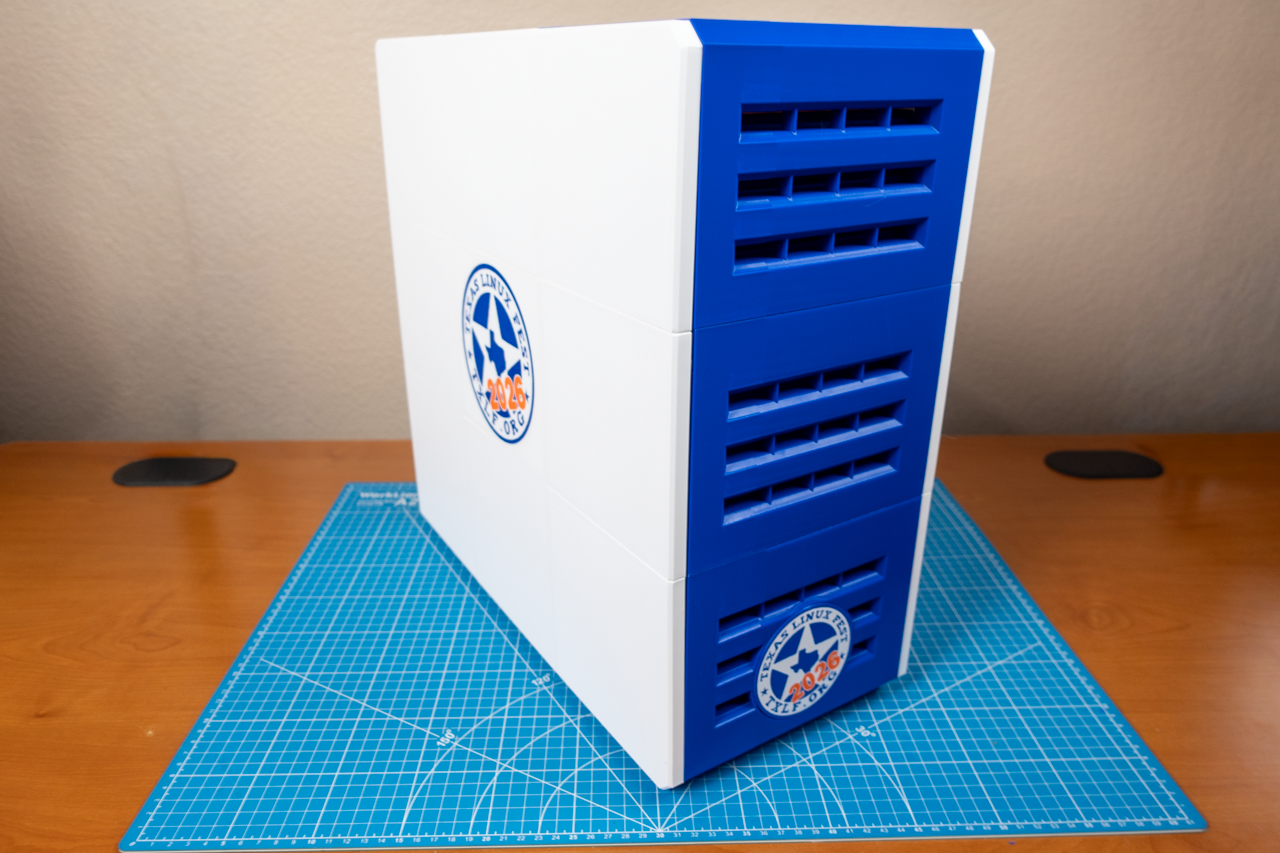
Fully assembled DIY NAS: TXLF 2026 with Magnetic Side Panel.
The rest of the assembly was incredibly straightforward; the most complex part was managing all of the hard drives’ power and SATA cables. If you’ve read my DIY NAS blogs, you might know that I think hot-swap bays are a bad value and a touch overrated, and I still think this. But after building two machines in this case and managing the cables for 27 different SATA drives (15 in my Proxmox node and 12 in the DIY NAS: Texas Linux Fest 2026), I’ve gained a new appreciation for the SATA backplanes that are found behind those hot swap bays.
Final Thoughts!
I really like the DIY NAS: Texas Linux Fest 2026. I’ve long been a proponent for motherboard manufacturers to use low-power laptop (or mobile device) CPUs for NAS machines. I’ve been excited to see manufacturers realize this and release motherboards like the Topton N29 or even the numerous off-the-shelf NAS solutions we’ve seen come out the past few years. I’m especially excited that the N29 has onboard support for 6 SATA drives plus the ability to support more thanks to M.2 SATA adapters. About the only thing not to like is the limited number of PCI-e lanes that come with CPUs like the N150; the consequence of that design are found in the fact that the M.2 slots only receive a single PCI-e lane, and there aren’t any PCI-e lanes remaining to put some PCI-e slots on the motherboard.
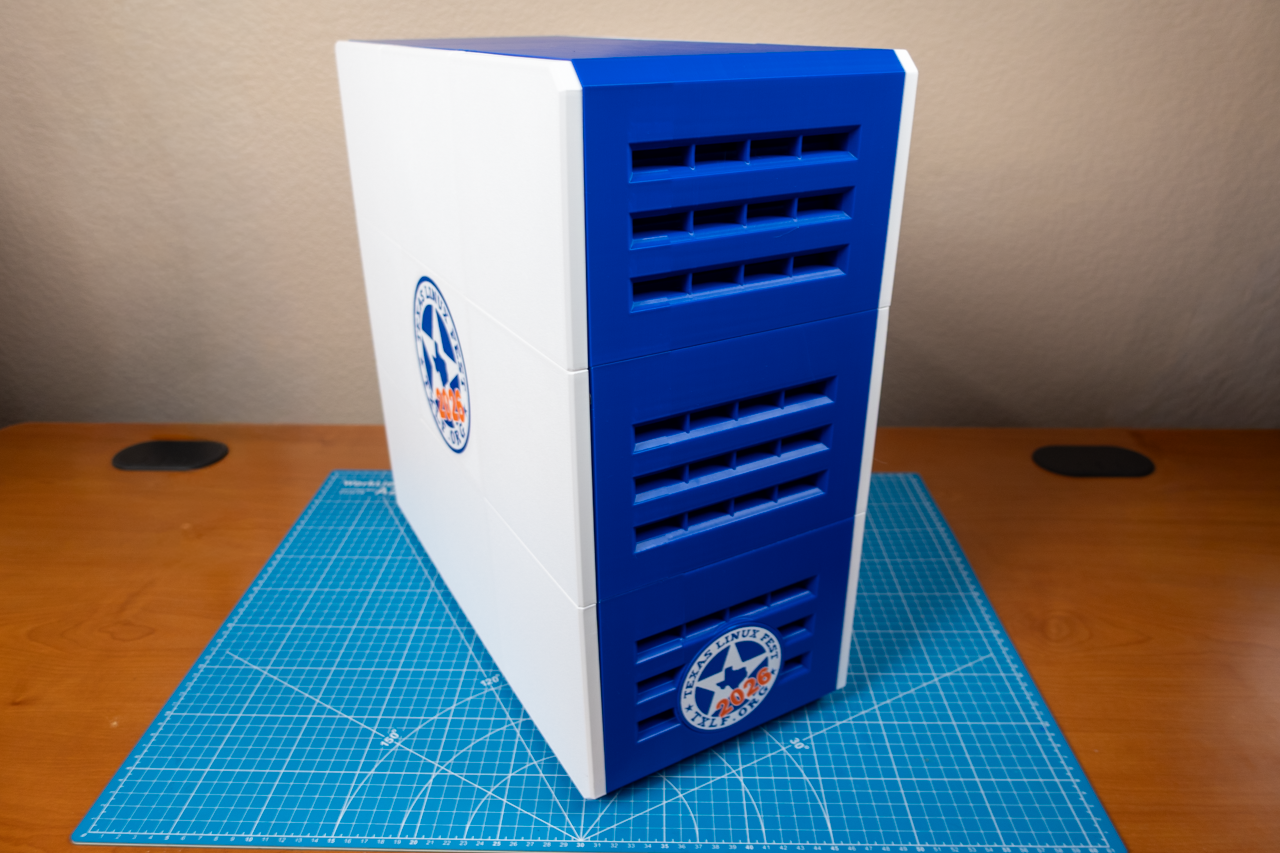
The DIY NAS: Texas Linux Fest 2026 is pretty fantastic. It’s going to make an awesome showcase piece that hopefully everybody who attends the Texas Linux Fest will want to come check out. Hopefully the lucky attendee who wins the raffle at the end of the festival will be able to start a homelab or expand their homelab with this machine!
Will you be attending the Texas Linux Fest?! Are you looking forward to seeing the NAS that I built? Come see us at the Butter, What?! booth and tell us what you think! If you’re not able to attend, what different choices would you make in building your own DIY NAS in 2026? Let everyone know in the comments, or join the Butter, What?! Discord server and share your thoughts!